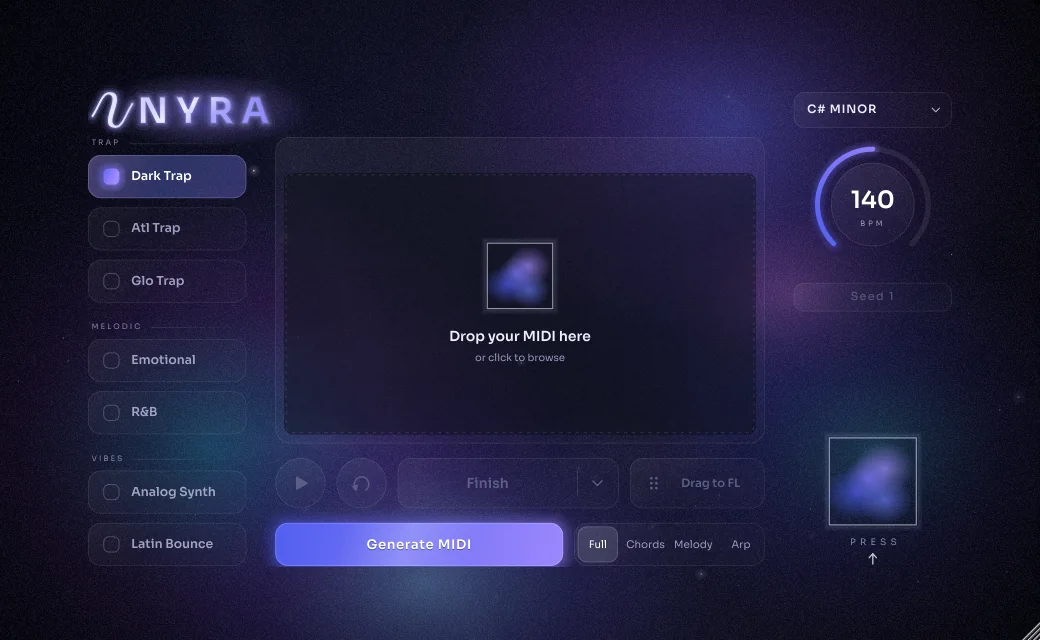
Pick a style
Seven styles in three moods. Set the key and the tempo.
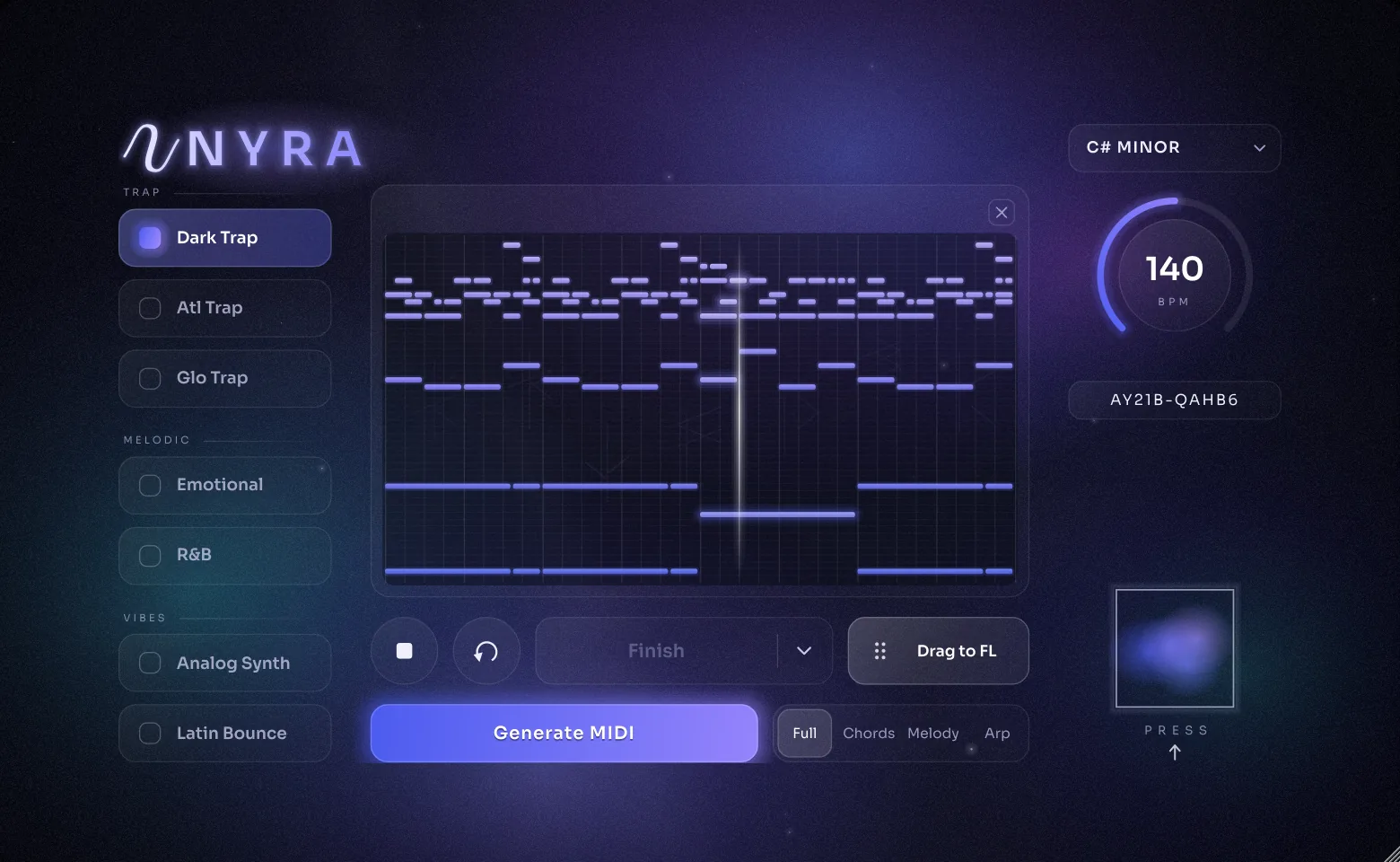
Pick a style, press Generate and NYRA writes a MIDI loop in your key. Drag it into FL Studio and keep going.

Billboard-charting producer
Offset · NBA YoungBoy · Polo G · DaBaby · Fivio Foreign · Trippie Redd
i dropped in my midi and it finished it off with a catchy topline i couldn’t make myself
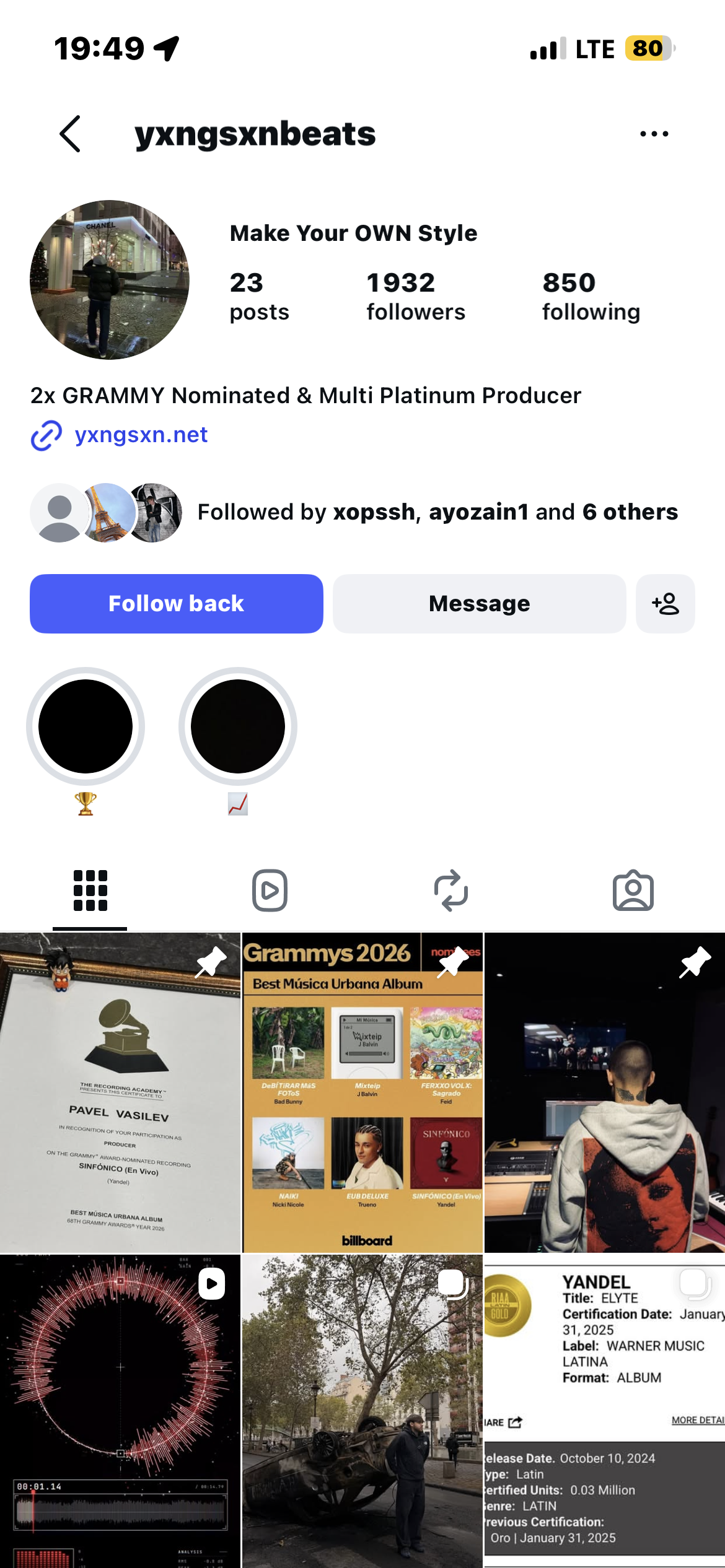
cool pluing def using this
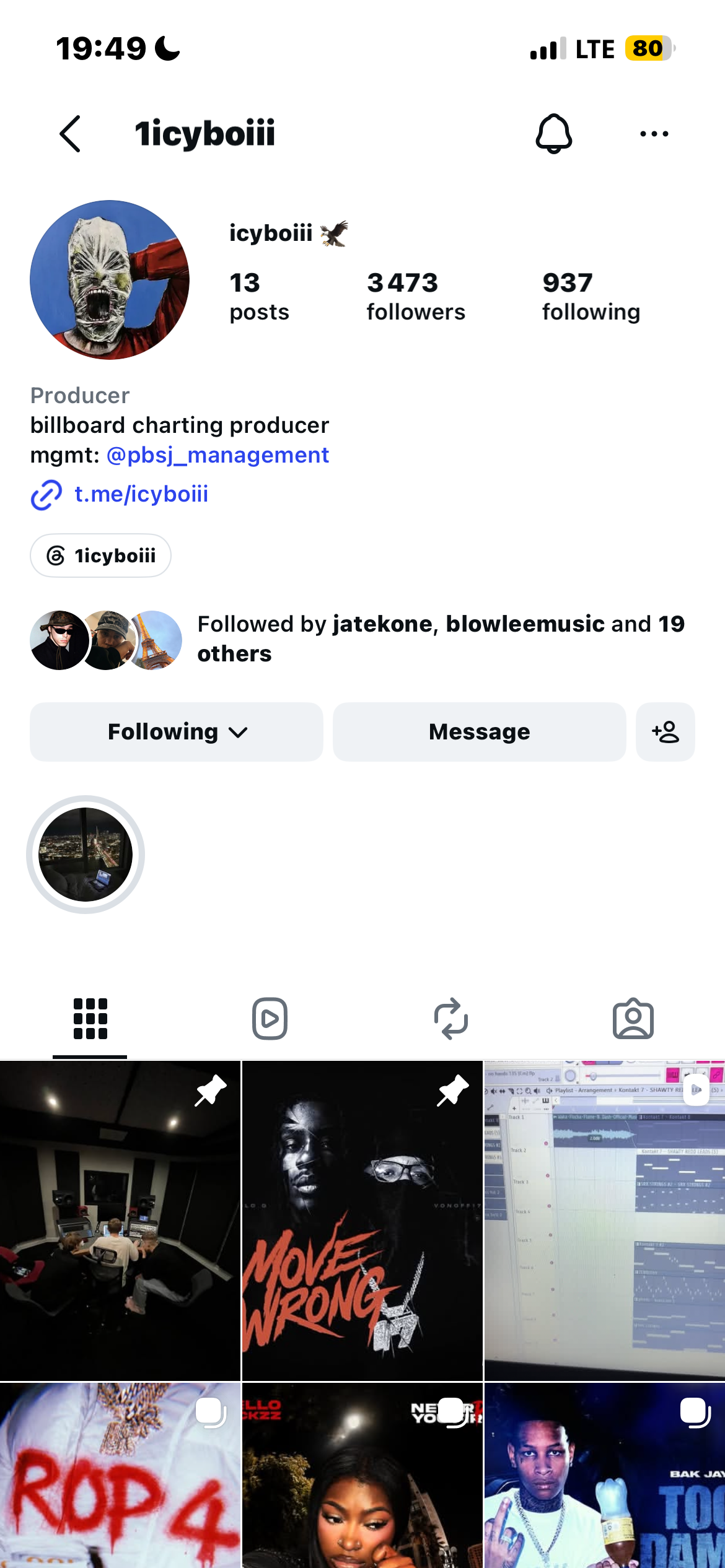
i like this plugin. it generates the glo i need. i use it

fucking great plugin. i use it

this plugin should cost at least €100. i don’t wanna come up with midi ideas myself anymore. the plugin’s gonna do it for me
The whole workflow, start to finish. It takes about as long as reading this.
Seven styles in three moods. Set the key and the tempo.
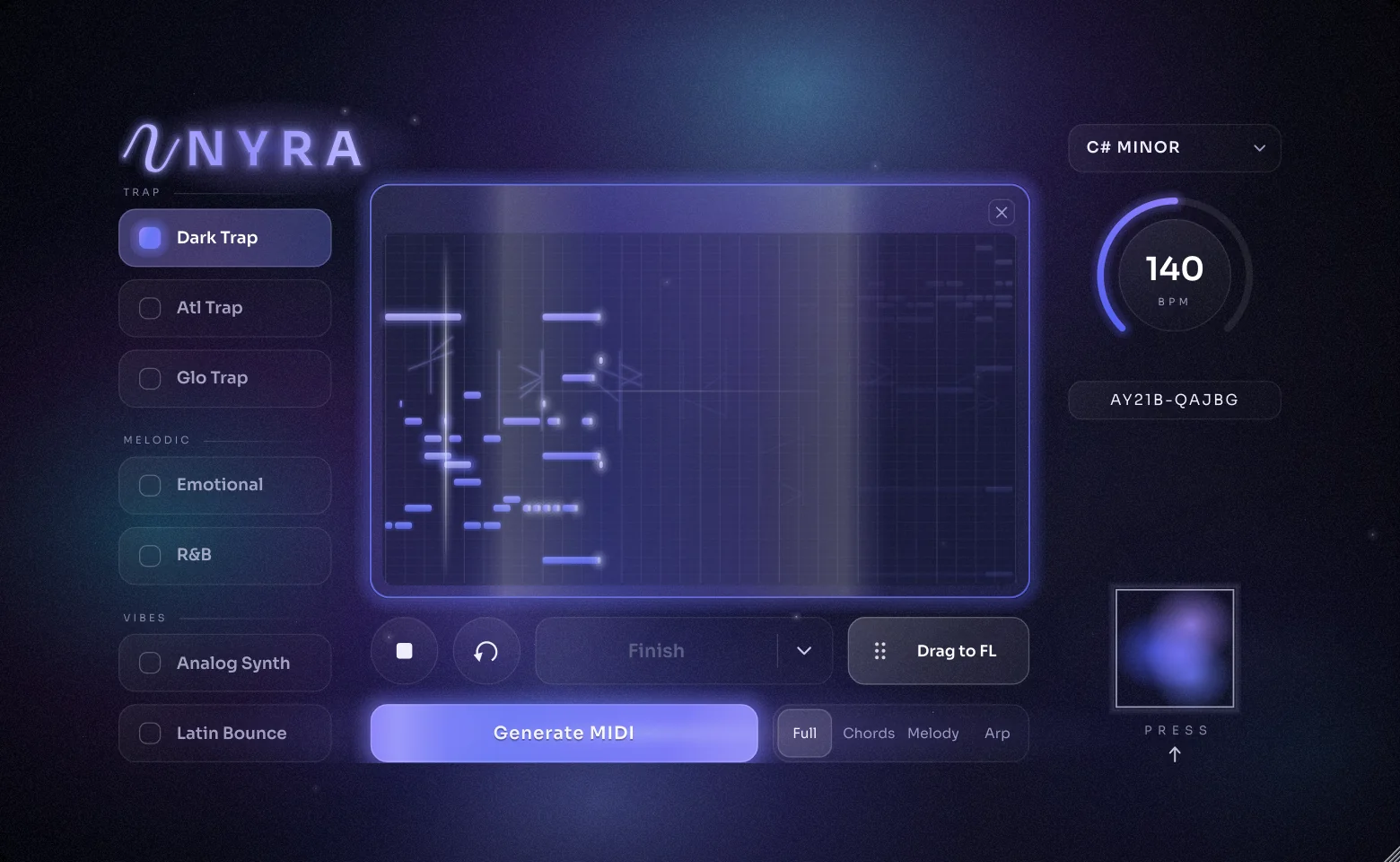
A full loop, or just chords, melody or arp. Not feeling it? Press again.
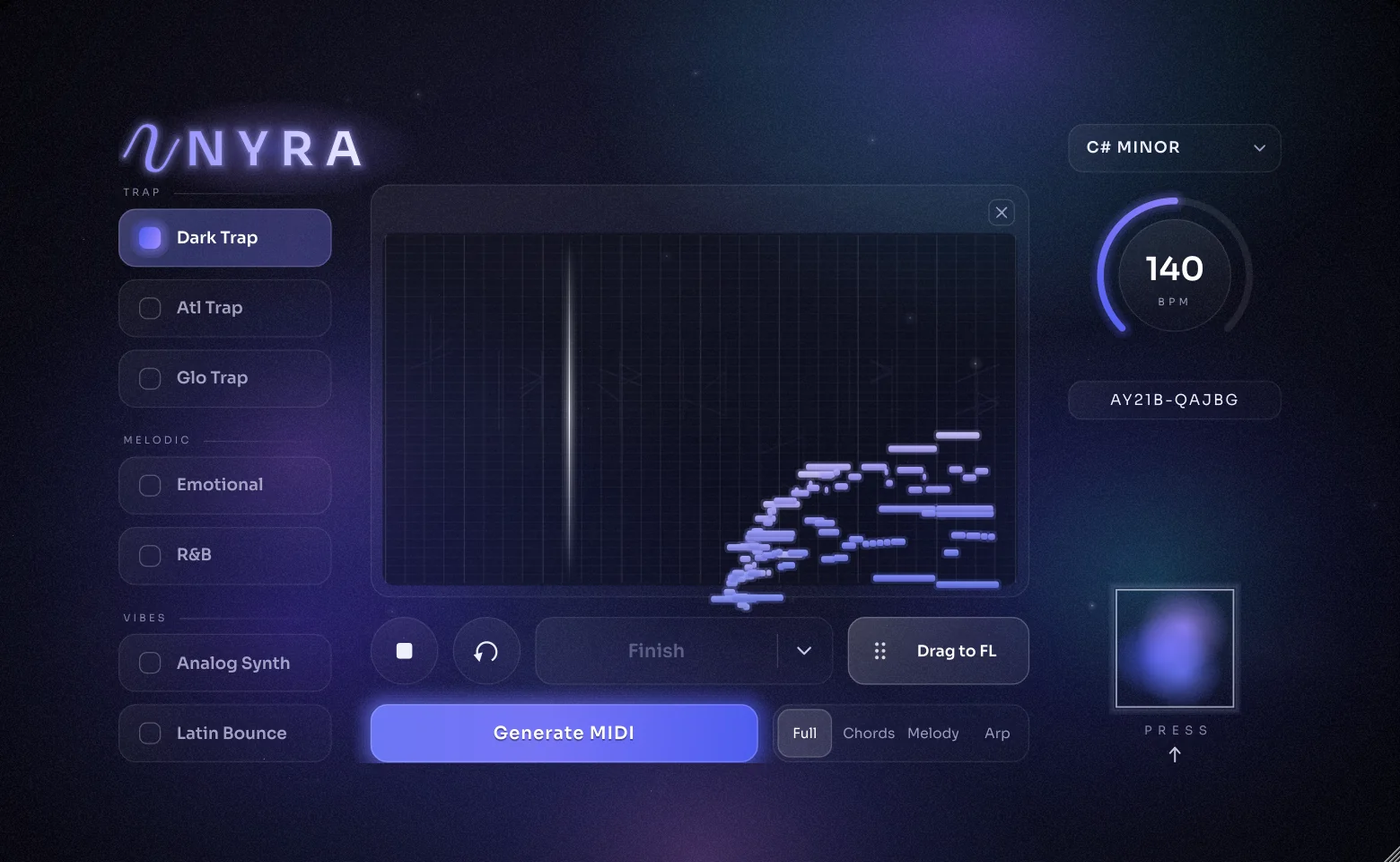
The loop leaves NYRA as MIDI. Put it on any instrument you like.
No roadmap promises. This is what is in the plugin today.
Drop in a few notes and press Finish. NYRA adds chords, bass and melody around them. Your notes stay where they are. Turn the sound on and hear the same idea turn into a loop.
Take the whole loop, or only the part your beat is missing.
Found the right progression? Keep it and ask for a new melody on top.
Type the code back in and the same loop returns.
Hear the loop inside NYRA. Auto picks a sound that fits the style; load your own or mute it.
After a Finish or an edit, switch between your original and the result.
Pick the key from the menu and set the BPM on the knob.
Drag the corner: the piano roll takes the room, from 780 × 480 up to 2600 × 1600, and the size is saved with your project.
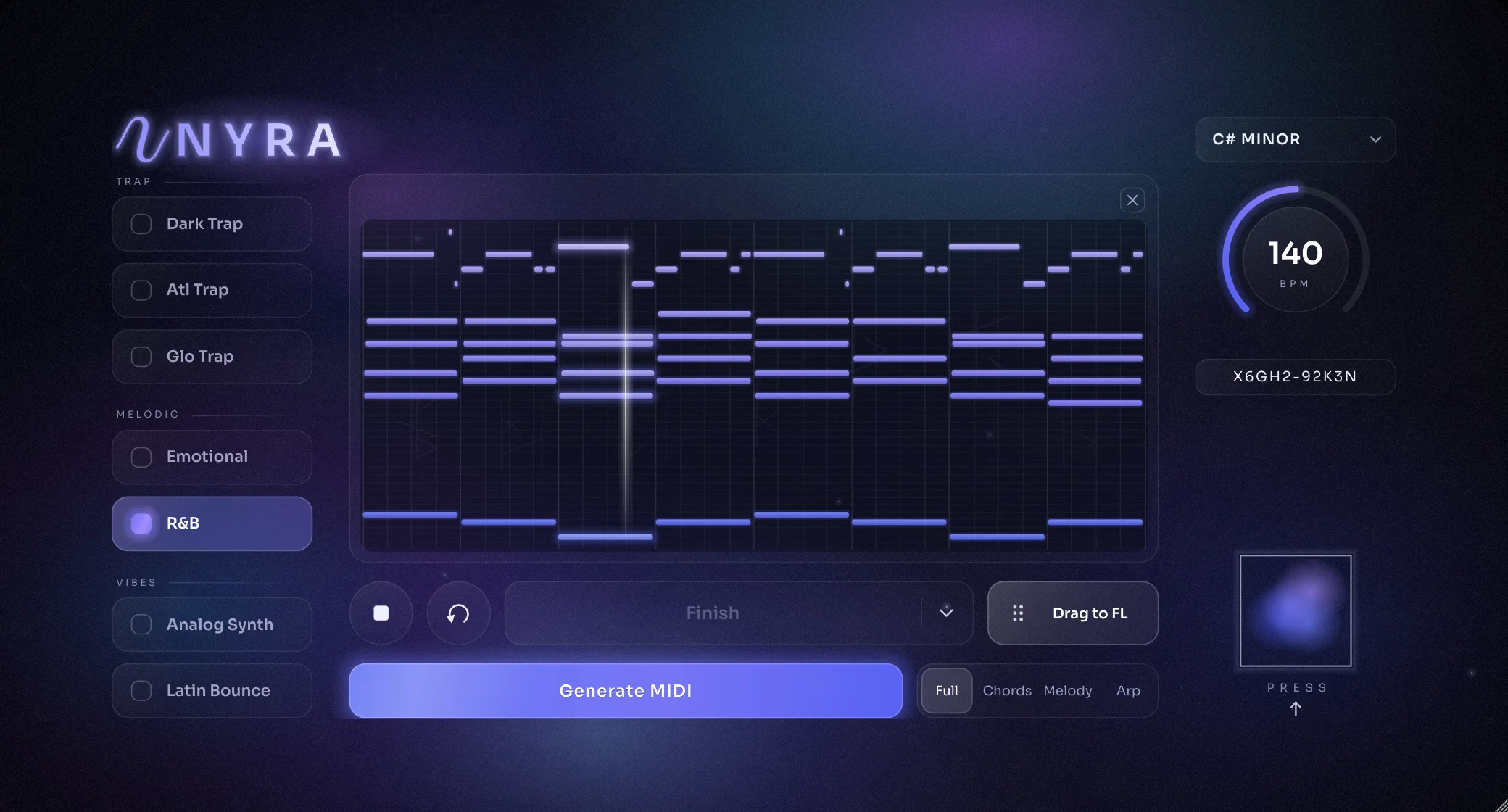
Generate a MIDI loop in NYRA, then shape the melody and layer sounds in FL Studio.
For activation help or refund requests, email nyrasound@gmail.com.
MIDI loops: chords, melody, bass and arps, in the key you choose and on the grid. You hear the loop inside NYRA with a built-in sound and drag it into your project as MIDI.
VST3, AU and Standalone. macOS 11 or later on Apple Silicon and Intel, and Windows.
NYRA loads in any DAW that runs VST3 or AU plugins, and the dragged MIDI works anywhere that accepts a dropped MIDI file. It is built and tested for FL Studio.
Yes. The loops NYRA writes are royalty-free: use them in your beats, sell the beats, place them.
Load your own MIDI, a melody or chords, and press Finish. NYRA adds chords, bass and melody around it. Your notes are not changed.
€50, as a one-time payment. Checkout is by Payhip: PayPal and cards.
1 computer per license. Deactivate in the plugin to move it.
Email us within 14 days. The license is switched off after a refund.
Secure checkout by Payhip · PayPal & cards